









 สินค้าใหม่ล่าสุด
 หุ่นยนต์ดูดฝุ่นถูพื้น
 เครื่องดูดฝุ่นอัจฉริยะ
 เครื่องดูดฝุ่นไร้สาย
 เครื่องฟอกอากาศ


 ผลิตภัณฑ์ดูแลส่วนตัว

 เครื่องใช้ไฟฟ้าภายในบ้าน


 การดูแลพื้นที่ภายนอก
สำหรับสมาชิก
Language


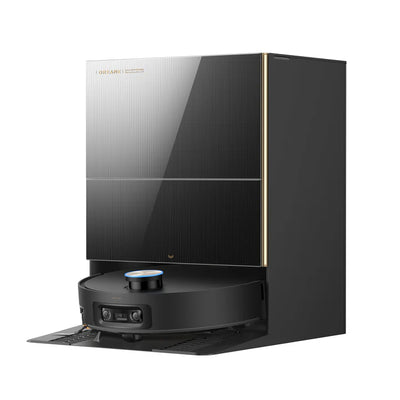
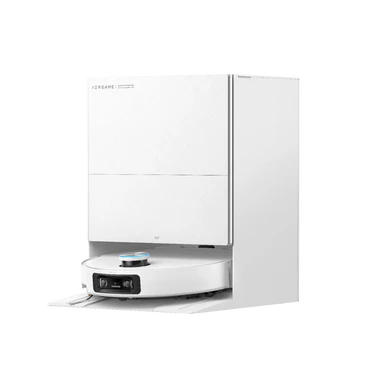
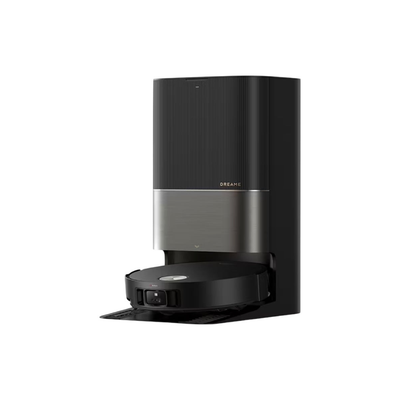
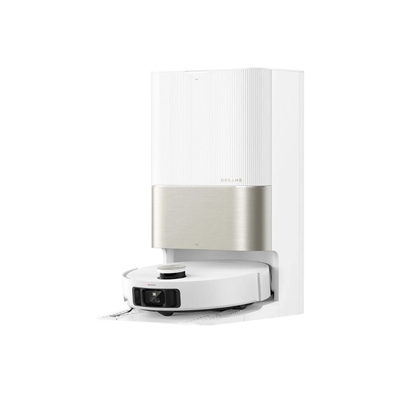
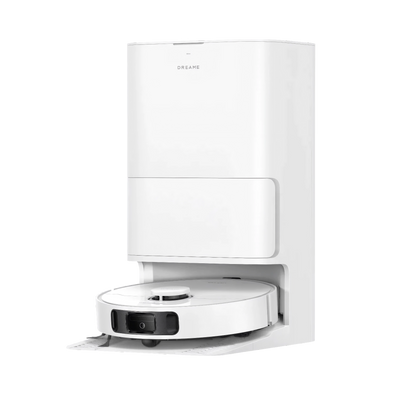
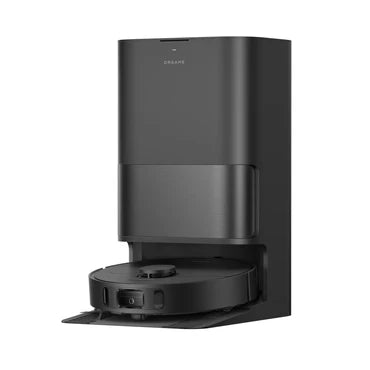
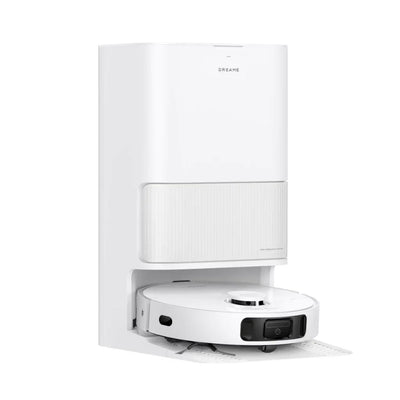
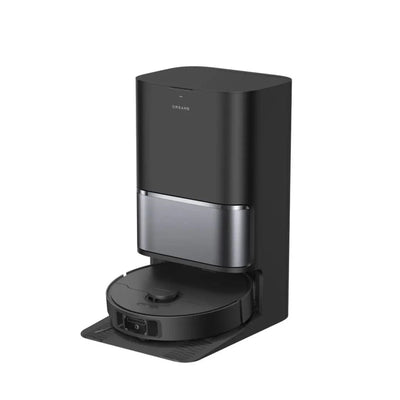
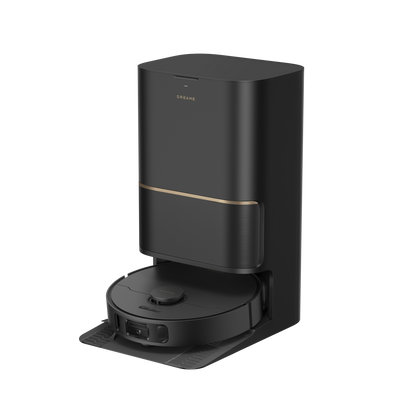
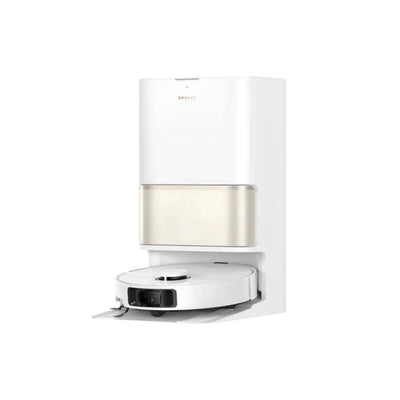
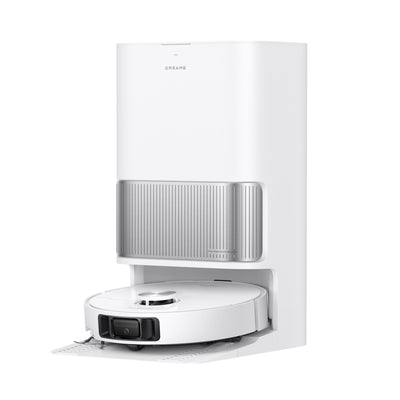
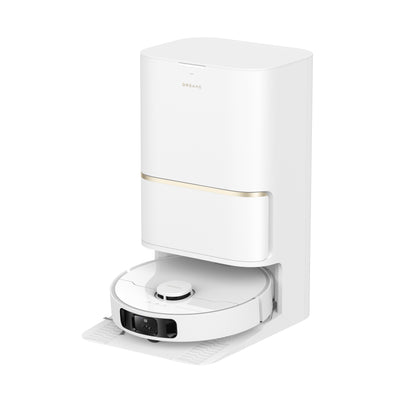
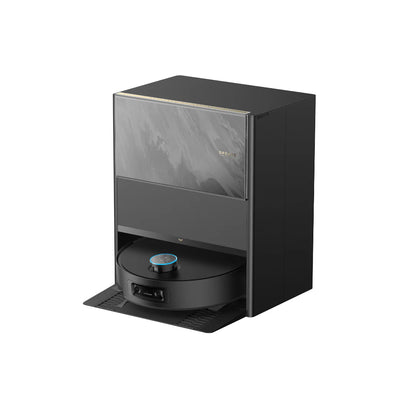
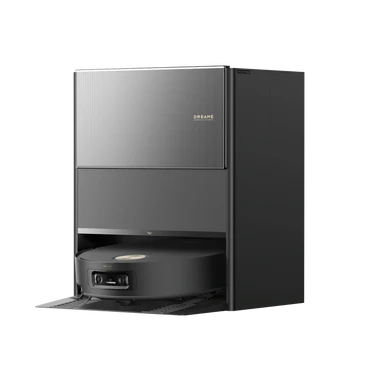
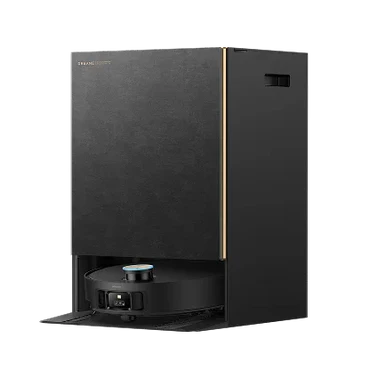
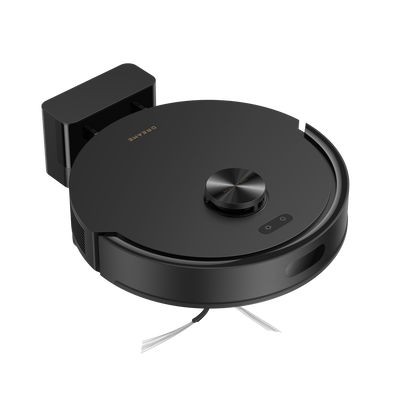
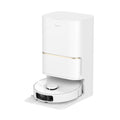
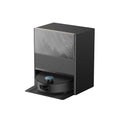
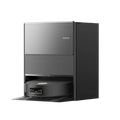
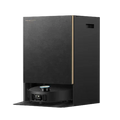
ในยุคที่เทคโนโลยีเข้ามามีบทบาทในชีวิตประจำวัน “หุ่นยนต์ดูดฝุ่น” ได้กลายเป็นผู้ช่วยทำความสะอาดที่หลายบ้านขาดไม่ได้ และหนึ่งในแบรนด์ที่ได้รับความนิยมสูงอย่างต่อเนื่องคือ Dreame (ดรีมมี่) ซึ่งขึ้นชื่อเรื่องดีไซน์ล้ำสมัย การดูดฝุ่น ทรงพลัง และฟังก์ชันอัจฉริยะที่ตอบโจทย์ทุกไลฟ์สไตล์ ไม่ว่าจะเป็นรุ่น Dreame Bot D20 Ultra, Dreame Bot L10s Ultra Gen 3 หรือ Dreame D30 Ultra ต่างก็ถูกออกแบบมาเพื่อให้ทำความสะอาดบ้านได้อย่างหมดจดในทุกพื้นผิว
แต่เพื่อให้เครื่องดูดฝุ่นต์ของคุณทำงานได้เต็มประสิทธิภาพยาวนาน การดูแลรักษาและเข้าใจวิธีแก้ไขปัญหาพื้นฐานถือเป็นสิ่งสำคัญ บทความนี้จะพาคุณไปเรียนรู้ เคล็ดลับดูแลรักษาและแก้ปัญหาที่พบบ่อยของ Dreame รุ่นยอดนิยม เพื่อให้เครื่องของคุณอยู่คู่บ้านได้อย่างยาวนานและคงประสิทธิภาพเหมือนวันแรกที่ซื้อมา
ให้เครื่องดูฝุ่นถูพื้นของคุณทำงานได้อย่างเต็มประสิทธิภาพและอยู่กับบ้านไปได้อีกนาน วันนี้เรามีเคล็ดลับดูแลรักษาและวิธีแก้ปัญหาที่พบบ่อยของ Dreame รุ่นยอดนิยม มาฝากกัน
รายละเอียดและคุณสมบัติสินค้าอ้างอิงจากการทดสอบในสภาวะควบคุม ประสิทธิภาพการทำงานจริงอาจแตกต่างกันไปตาม สภาพพื้นที่ (เช่น สิ่งกีดขวาง, ประเภทพื้นผิว) และ ความสม่ำเสมอในการดูแลรักษาอุปกรณ์ อาทิ การทำความสะอาดเซนเซอร์ การกำจัดเศษผมที่พันแปรงปัด และการเปลี่ยนอะไหล่ตามอายุการใช้งาน


1. ทำความสะอาดแปรงและหัวดูดเป็นประจำ
หัวใจของหุ่นยนต์ดูดฝุ่น Dreame คือ “แปรงหลัก” และ “แปรงข้าง” ซึ่งช่วยกวาดฝุ่นและสิ่งสกปรกเข้าสู่ช่องดูดได้อย่างมีประสิทธิภาพ หากใช้งานต่อเนื่องทุกวัน ควรถอดออกมาทำความสะอาดทุก 1–2 สัปดาห์ โดยเฉพาะเส้นผมและขนสัตว์ที่มักพันอยู่รอบแกนแปรง
เคล็ดลับคือใช้ มีดเล็กหรือแปรงทำความสะอาดที่แถมมากับเครื่อง ตัดสิ่งที่พันอยู่ จากนั้นเช็ดเบา ๆ ด้วยผ้าชุบน้ำหมาด ๆ เพื่อป้องกันฝุ่นสะสม การดูแลส่วนนี้จะช่วยให้แรงดูดของเครื่องคงที่และลดการทำงานหนักของมอเตอร์ในระยะยาว
2. ล้างถังเก็บฝุ่นและฟิลเตอร์ให้สะอาด
หลังจากการใช้งานทุกครั้ง ควรถอดถังเก็บฝุ่นออกมาเทเศษฝุ่นทิ้ง และใช้แปรงเล็กปัดฝุ่นที่ติดอยู่ให้หมด หากเป็นรุ่นที่มี ฟิลเตอร์ HEPA หรือฟิลเตอร์ลม ควรนำออกมาเคาะฝุ่นเบา ๆ ทุกสัปดาห์ และล้างน้ำเดือนละ 1 ครั้ง (เฉพาะฟิลเตอร์ที่สามารถล้างได้ตามคู่มือ) เคล็ดลับเพิ่มเติม: ควรผึ่งฟิลเตอร์ให้แห้งสนิทก่อนนำกลับมาใช้ เพื่อป้องกันกลิ่นอับและยืดอายุการใช้งานของตัวกรอง
3. ดูแลถังน้ำและผ้าม็อบให้สะอาดอยู่เสมอ
สำหรับรุ่นที่มีระบบถูพื้นอัตโนมัติ เช่น Dreame Bot L10s Ultra Gen 3, Dreame Bot D20 Ultra หรือ Dreame D30 Ultra ถังน้ำและผ้าม็อบถือเป็นอีกส่วนที่ต้องใส่ใจ หากปล่อยทิ้งไว้นานอาจเกิดกลิ่นไม่พึงประสงค์หรือคราบฝังแน่น
แนะนำให้เทน้ำที่เหลือในถังออกทุกครั้งหลังใช้งาน และล้างผ้าม็อบด้วยน้ำสะอาด พร้อมตากในที่อากาศถ่ายเท หากต้องการให้ผ้าม็อบนุ่มและสะอาดเหมือนใหม่ ควรซักด้วยน้ำสบู่อ่อน ๆ ทุกสัปดาห์
4. ตรวจสอบเซนเซอร์และล้อเป็นประจำ
เซนเซอร์ของ Dreame เป็นส่วนสำคัญในการนำทางและหลบสิ่งกีดขวาง หากเซนเซอร์สกปรก เครื่องอาจเคลื่อนที่ผิดพลาดได้ วิธีง่าย ๆ คือใช้ผ้าไมโครไฟเบอร์แห้งเช็ดบริเวณเซนเซอร์รอบตัวเครื่อง รวมถึงกล้อง LiDAR ด้านบน (ในรุ่นที่มี) เพื่อให้ระบบนำทางทำงานแม่นยำอยู่เสมอ
นอกจากนี้ ควรเช็คล้อหลักและล้อหมุนด้านหน้า หากมีฝุ่นหรือเส้นผมติดอยู่ ให้ดึงออกหรือใช้แหนบช่วย เพราะสิ่งเล็ก ๆ เหล่านี้อาจทำให้การเคลื่อนที่สะดุดได้


Dreame พัฒนาเฟิร์มแวร์อย่างต่อเนื่องเพื่อปรับปรุงประสิทธิภาพและเพิ่มฟีเจอร์ใหม่ ๆ การอัปเดตผ่านแอป Dreame หรือ Mi Home ช่วยให้เครื่องของคุณทำงานได้ลื่นไหลและฉลาดขึ้น
เพียงเชื่อมต่อหุ่นยนต์กับ Wi-Fi แล้วเข้าไปที่เมนู “การตั้งค่า” → “อัปเดตเฟิร์มแวร์” ระบบจะตรวจสอบและติดตั้งให้อัตโนมัติภายในไม่กี่นาที การอัปเดตสม่ำเสมอยังช่วยลดโอกาสเกิดข้อผิดพลาดระหว่างการทำงานอีกด้วย
6. การแก้ปัญหาเบื้องต้นเมื่อเครื่องแจ้งเตือน
หากเครื่องส่งเสียงแจ้งเตือนหรือมีไฟกระพริบ ไม่ต้องกังวล Dreame ออกแบบให้ผู้ใช้สามารถตรวจสอบปัญหาได้ง่าย ผ่านแอป โดยจะมีข้อความระบุสาเหตุ เช่น “ล้อหน้าติดขัด” หรือ “ถังฝุ่นเต็ม” เพียงทำตามขั้นตอนในแอป ก็สามารถแก้ไขได้ทันที
ในกรณีที่เครื่องไม่ตอบสนอง อาจลองกดปุ่ม รีเซ็ต (Reset) ค้างไว้ 5–10 วินาที เพื่อรีสตาร์ตระบบ หรือถอดสายชาร์จออกสักครู่แล้วเสียบใหม่ เครื่องจะกลับมาทำงานได้ตามปกติ
7. เก็บรักษาอย่างถูกวิธีเมื่อไม่ได้ใช้งาน
หากต้องเดินทางไปต่างจังหวัดหรือไม่ได้ใช้เครื่องนานเกิน 1 สัปดาห์ ควรถอดถังน้ำออก และเก็บหุ่นยนต์ในที่แห้ง ไม่โดนแสงแดดโดยตรง ควรชาร์จแบตเตอรี่ไว้ประมาณ 50–60% เพื่อป้องกันการเสื่อมของแบตในระยะยาว


8. การจัดพื้นที่ให้หุ่นยนต์ทำงานได้เต็มประสิทธิภาพ
ก่อนให้หุ่นยนต์ทำความสะอาด ควรเก็บของเล็ก ๆ เช่น สายไฟ รองเท้า หรือผ้าม่านที่ปล่อยยาวบนพื้น เพื่อให้ Dreame เคลื่อนไหวได้อย่างอิสระและทำความสะอาดได้ครบทุกมุม
หากบ้านมีหลายชั้น รุ่นที่มีระบบจดจำแผนที่หลายชั้น (Multi-Floor Mapping) เช่น Dreame D30 Ultra, Dreame Bot D20 Ultra หรือ Dreame Bot L10s Ultra Gen 3 จะสามารถระบุและเลือกพื้นที่ทำความสะอาดเฉพาะชั้นได้ง่ายผ่านแอป เพิ่มความสะดวกและประหยัดเวลาในการทำงานแต่ละครั้ง
Dreame Multi-Floor Mapping คือ เทคโนโลยีที่ช่วยให้หุ่นยนต์ดูดฝุ่นของ Dreame สามารถสร้างและจดจำแผนที่ของบ้านหลายชั้นได้อย่างชาญฉลาด ทำให้ผู้ใช้สามารถจัดการการทำความสะอาดแต่ละชั้นได้อย่างง่ายดาย ผ่านแอปพลิเคชันบนมือถือ เพียงแค่เปิดใช้งานฟีเจอร์นี้ หุ่นยนต์จะสร้างแผนที่ของพื้นที่นั้นๆ และบันทึกแผนที่สำหรับแต่ละชั้นไว้ เมื่อต้องการทำความสะอาด ก็เพียงแค่ย้ายหุ่นยนต์ไปยังชั้นที่ต้องการ จากนั้นเลือกแผนที่ที่บันทึกไว้ในแอปเพื่อเริ่มการทำงาน.


ประโยชน์ของ Dreame Multi-Floor Mapping
หุ่นยนต์ดูดฝุ่น Dreame ถือเป็นผู้ช่วยทำความสะอาดที่ทั้งฉลาดและทรงพลัง แต่การดูแลอย่างถูกวิธีก็มีส่วนสำคัญไม่แพ้กัน เพียงหมั่นทำความสะอาดแปรงและฟิลเตอร์ ตรวจสอบเซนเซอร์อยู่เสมอ รวมถึงอัปเดตซอฟต์แวร์ให้ทันสมัย เครื่องของคุณก็จะคงประสิทธิภาพสูงสุดทุกวัน
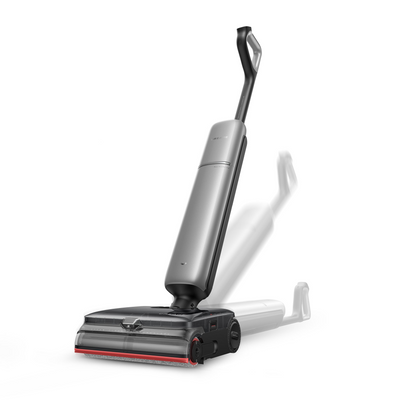
ไม่ว่าจะเป็น Dreame D30 Ultra, Dreame Bot L10s Ultra Gen 3, Dreame Bot D20 Ultra หรือ H15 หากได้รับการดูแลอย่างถูกต้อง ก็จะกลายเป็น
“ผู้ช่วยประจำบ้าน” ที่คุณวางใจได้ในทุกสถานการณ์ ให้บ้านสะอาดสดชื่น พร้อมรับทุกวันใหม่อย่างสบายใจ